Access to Adobe Analytics
Granting Drive Marketing Access to Analytics & Reporting Platforms
Drive Marketing may require access to your analytics and reporting platforms to measure website performance, analyze user behaviour, and evaluate marketing campaign effectiveness.
Providing access allows our team to review key performance metrics and generate insights that support your digital marketing strategy.
This guide explains how to grant access to the following platform:
- Adobe Analytics
Access to Adobe Analytics
Drive Marketing may require access to your Adobe Analytics projects to review reporting dashboards and analyze website performance data.
Step 1: Open Your Project
- Log in to Adobe Analytics
- Open the project you would like to share with Drive Marketing
Step 2: Share the Project
- Click Share
- Select Share Project
Step 3: Add Drive Marketing as a Recipient
- In the Recipients field, enter the following email address:
[email protected]
Step 4: Set Access Permissions
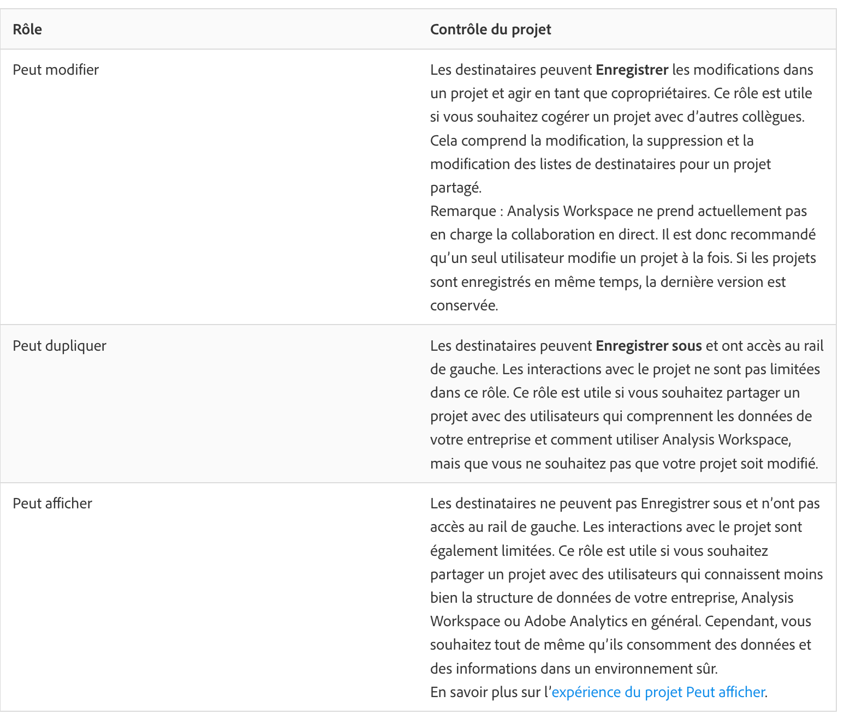
- Assign the permission level Can view
- Enable sharing for any embedded components, such as:
- Segments
- Calculated metrics
- Date ranges
Step 5: Send the Invitation
- Click Share to grant access
Confirmation
Once access has been granted, Drive Marketing will be able to view the shared analytics project and use the data for reporting and analysis.
If you are unsure which analytics projects should be shared, please contact your Drive Marketing account manager.