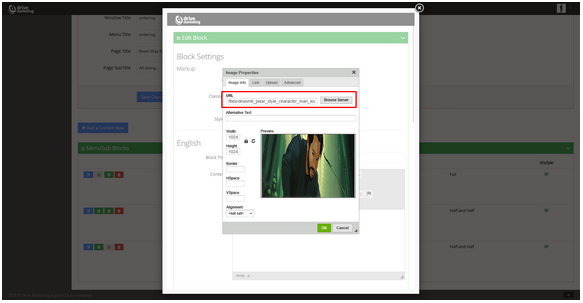
Uploading a File Using the Editor
Intro
The process to upload a file using the editor is as follows:
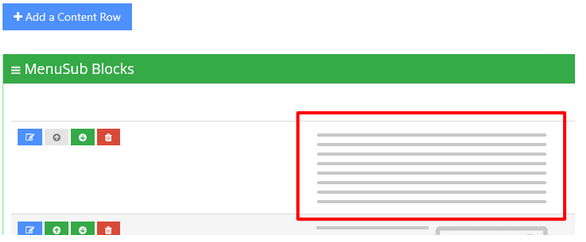
Step 1: Open the Editor
Click on a block of text that uses the editor.
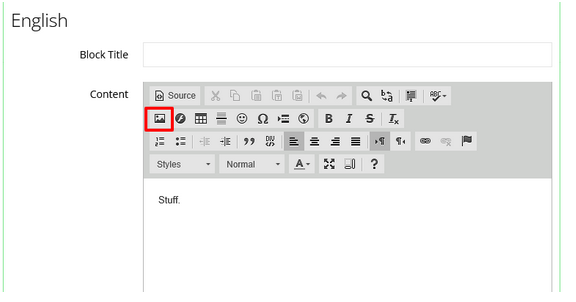
Step 2: Click the Upload Icon
Click on the Upload File icon in the editor toolbar.
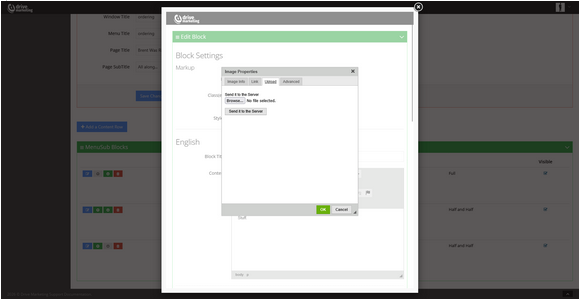
Step 3: Upload the File to the Server
- Click the Upload to Server tab
- Choose your file
- Click Send to Server
Step 4: Access the Public Link
You can now access the file by:
- Using the public link
- Adding it to the website URL (without a language tag)
- Browsing the sevrer and clicking Preview to get the link
Here is an example