Delegating Access to Namecheap

Granting Drive Marketing Access to Your Namecheap Account
This guide explains how to grant Drive Marketing access to your Namecheap domain account. Providing access allows our team to manage domain settings when needed without requiring your account password.
These steps must be completed while logged into your Namecheap account.
1. Sign in to Namecheap
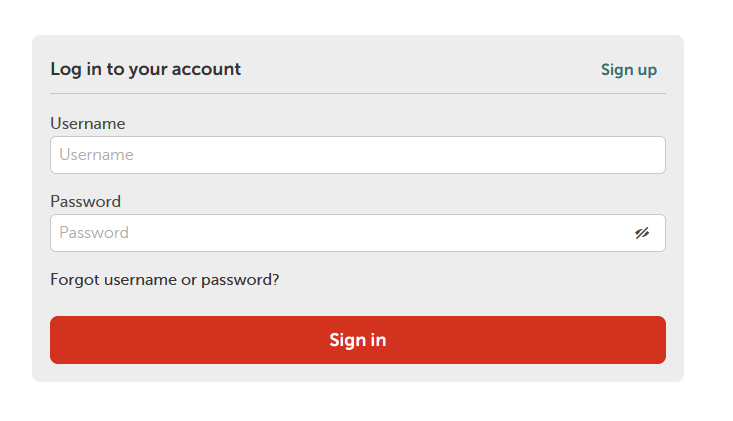
- Go to namecheap.com.
- Log in to the account you used to register your domain.
2. Manage Your Domain
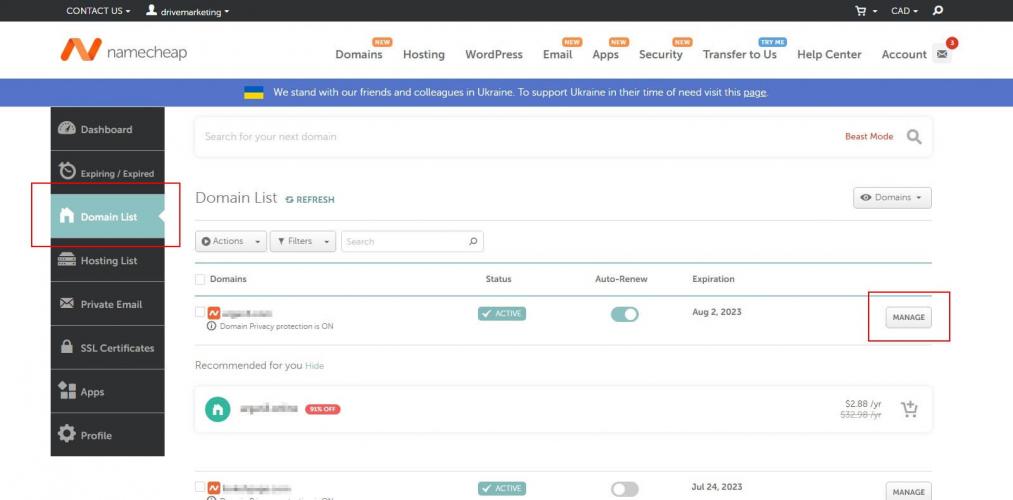
- From the left-hand menu, click Domains.
- Locate the domain you would like to share access to.
- Click Manage next to that domain.
3. Open Sharing and Transfer
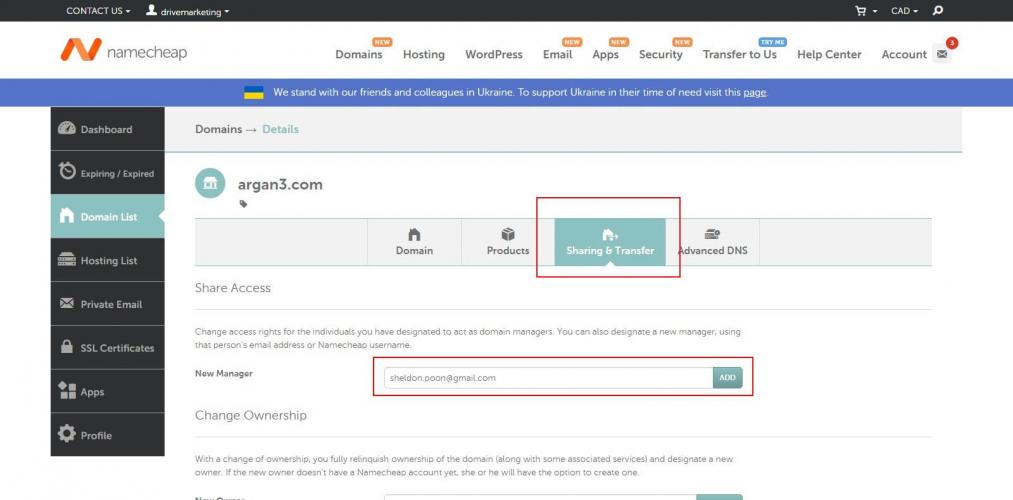
- Click the Sharing and Transfer tab.
- Under New Manager, enter one of the following email addresses:
- Click Add.
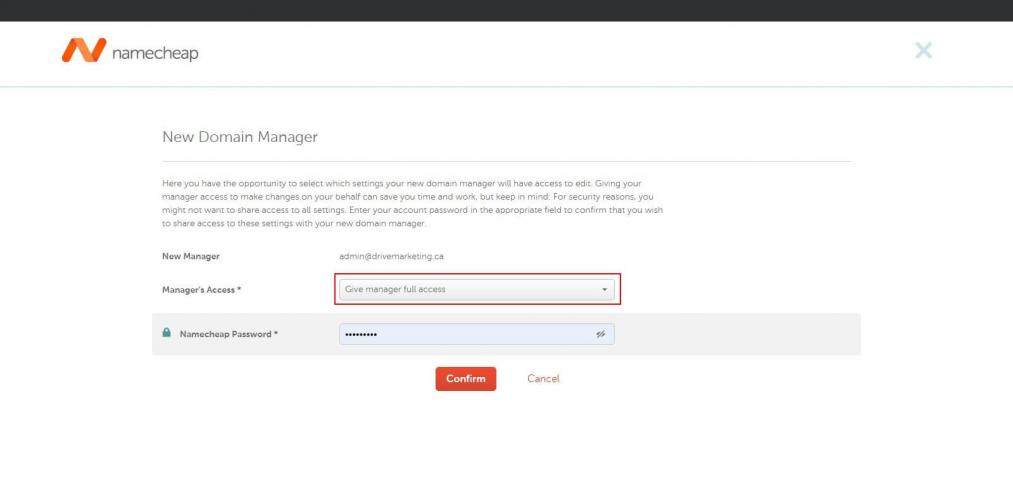
4. Grant Manager Access
- From the access dropdown menu, select Give manager full access.
- Enter your Namecheap account password.
- Click Confirm.
5. Confirm Access
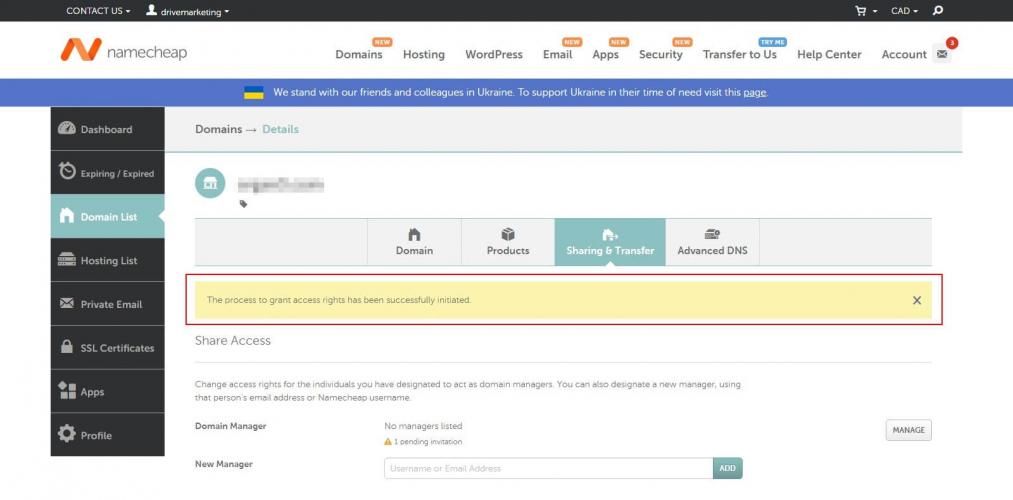
If the process is successful, a yellow confirmation banner will appear indicating that the access request has been initiated.
Please contact Drive Marketing Support to confirm that we have received access.