Retrieving Stripe Keys
Connecting Your Stripe Account to Drive

This guide explains how to retrieve your Stripe API keys so the Drive Marketing development team can connect your website or application to Stripe for payment processing.
Your Publishable Key and Secret Key allow our developers to securely integrate Stripe’s API to accept payments from customers.
Important: These keys provide access to your Stripe account. Do not share them with anyone outside your organization or your Account Executive at Drive Marketing.
Requirements
Before proceeding, ensure that:
- You have already created a Stripe account
- Your Stripe account has an active bank account connected
- You have administrator access to the Stripe account
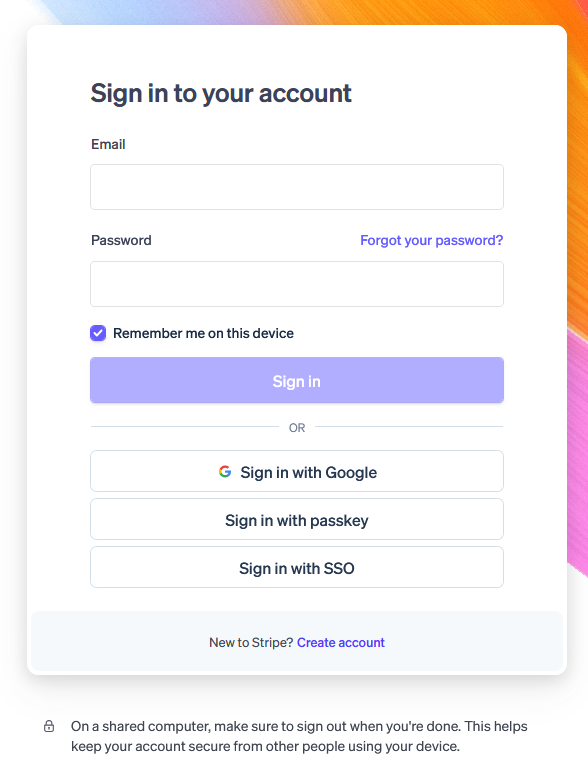
2. Open the API Keys Page
- Click Developers in the top-right corner of the dashboard.
- In the left-hand menu, select API Keys.
You will now see your Publishable Key and Secret Key.
Direct Link (need to be logged in)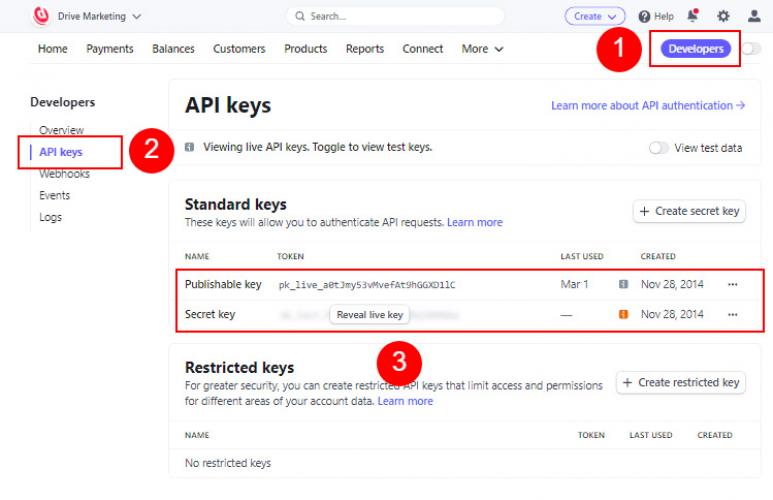
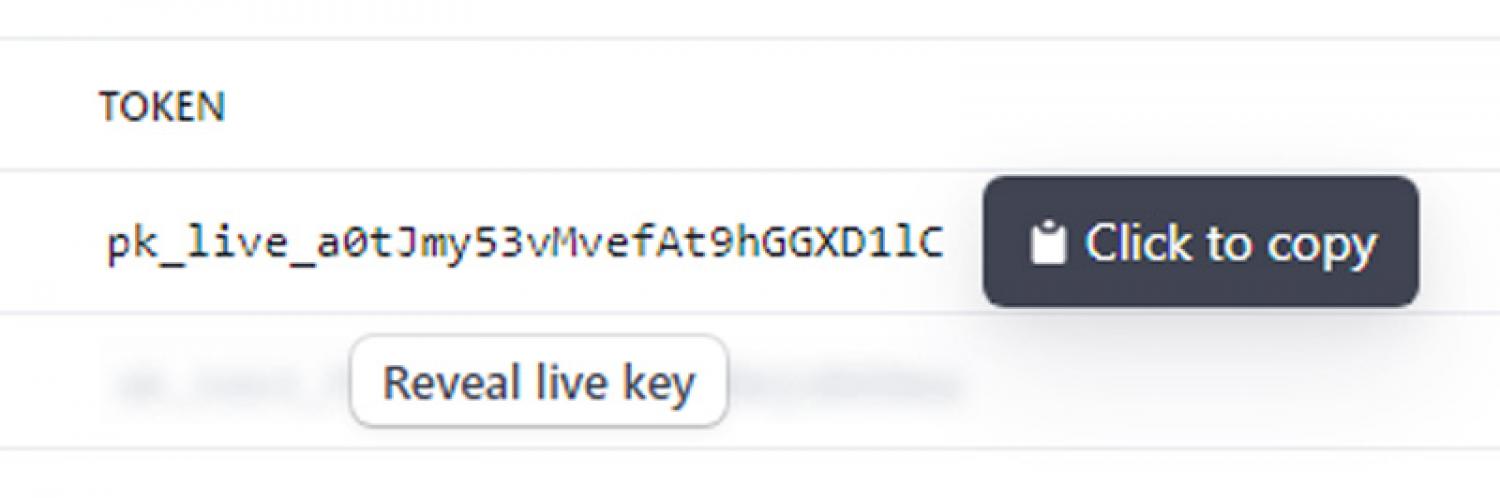
3. Copy the Publishable Key
- Locate the Publishable Key.
- Hover over the key and click it to copy.
Save this key so you can send it to Drive Marketing.
4. Reveal and Copy the Secret Key
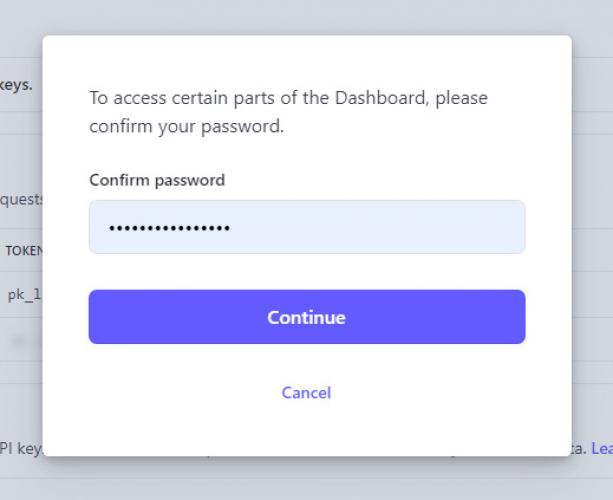
- Click Reveal Live Key next to the Secret Key.
- Stripe will ask you to confirm your password.
- Once revealed, copy the Secret Key (typically beginning with SK_).
5. Send the Keys to Drive Marketing
Provide the following to your Account Executive at Drive Marketing:
- Your Publishable Key
- Your Secret Key
Our development team will use these keys to complete the Stripe integration for your website or application.