Delegating Access to GoDaddy

Granting Drive Marketing Access to Your GoDaddy Account
This guide explains how to grant Drive Marketing access to your GoDaddy account. Delegating access allows our team to manage your domain settings without requiring your account password.
These steps must be completed while logged in to your GoDaddy account.
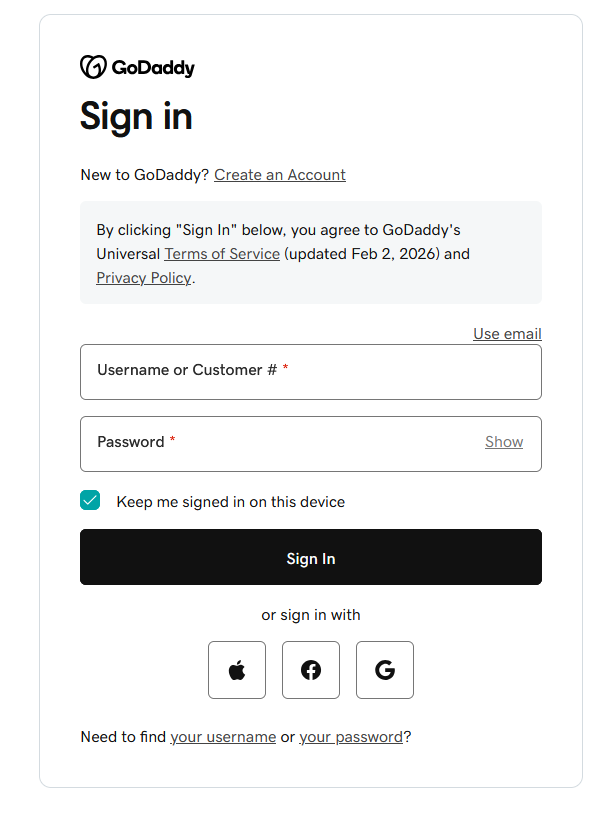
1: Sign in to GoDaddy
Log in to your GoDaddy account using your account credentials.
2. Open Delegate Access
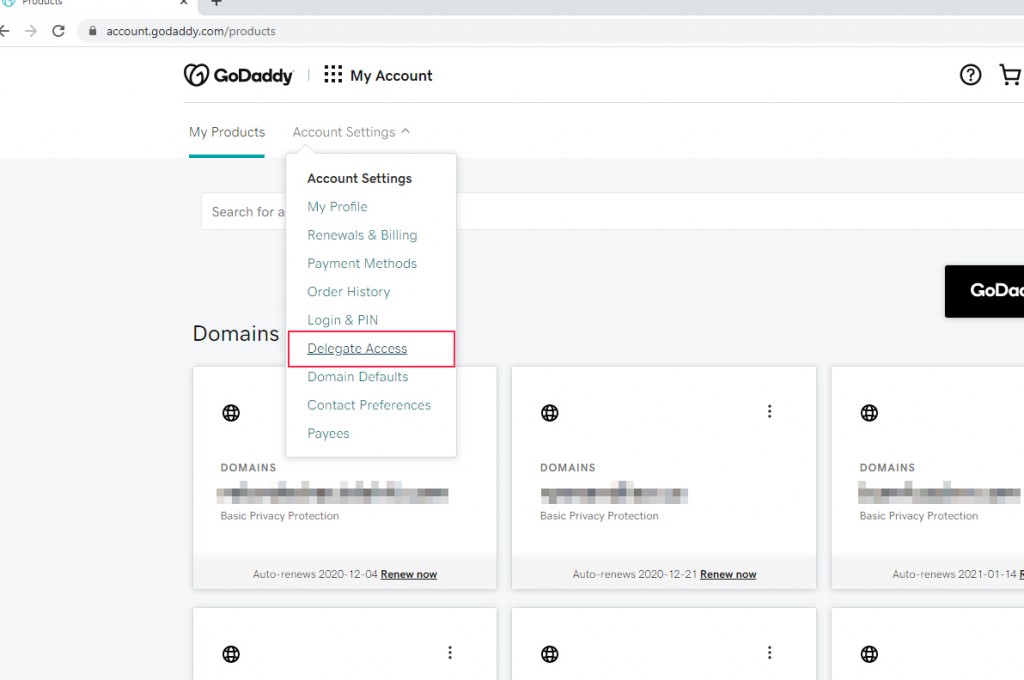
- Click your profile name in the top-right corner.
- Select Account Settings from the dropdown menu.
- Click Delegate Access.
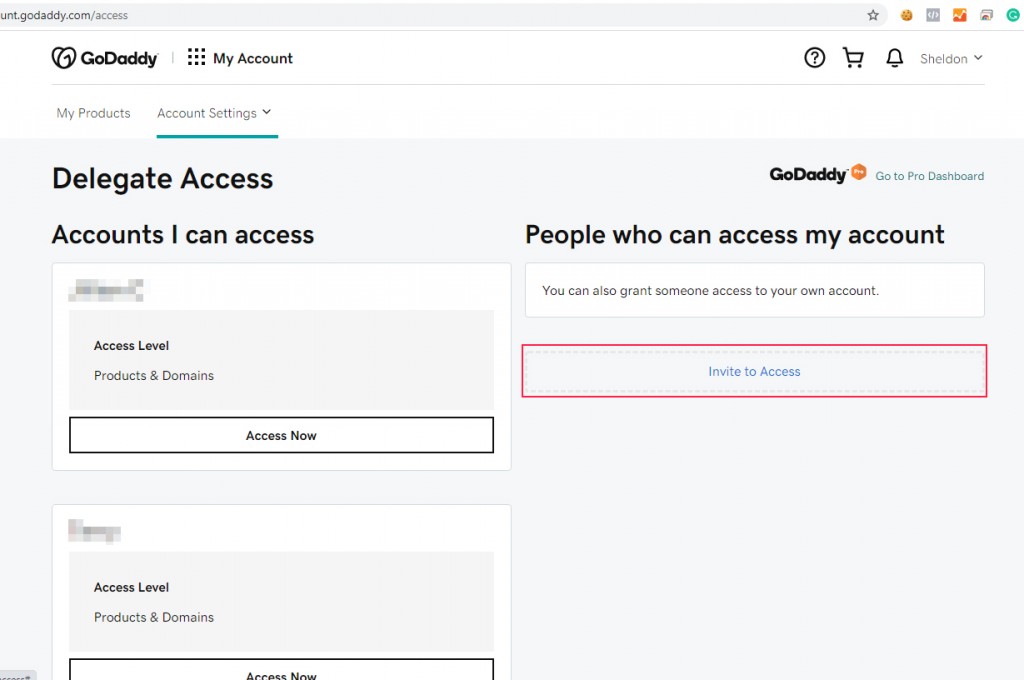
3. Invite a Delegate
- Under People who can access my account, click Invite to Access.
4. Send the Invitation
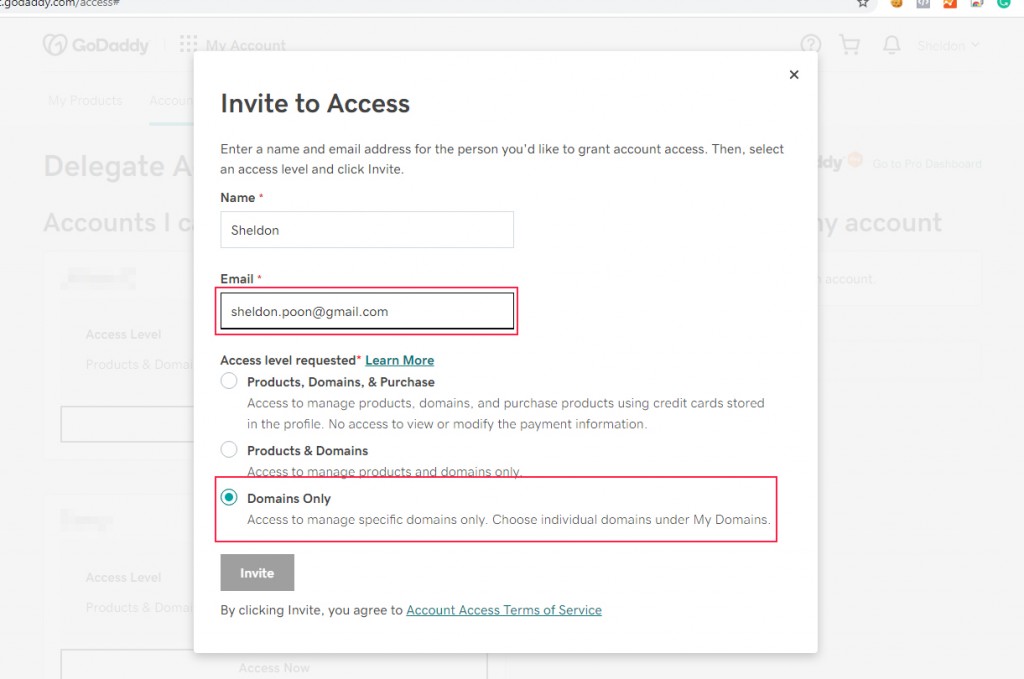
- Enter the following email address in the Email field:
- In the Access dropdown, select Domains only.
- Click Invite.
What Happens Next
Once the invitation is sent, Drive Marketing will receive a notification and will be able to access your domain settings as needed.